
- Nov 22, 2021
- 1,518
- 2,582
Feel free to share any tips on this thread and help others when you can. 
Something that we all do, myself included from time to time is add images using the attach files. This will add a thumbnail and not the full image to your post.
'Attach files' is better option if you are uploading a document such as a brochure that's a PDF file.
So using the same file this is what happens when you use the 'attach files' option.
Photo by James Ryan on Unsplash
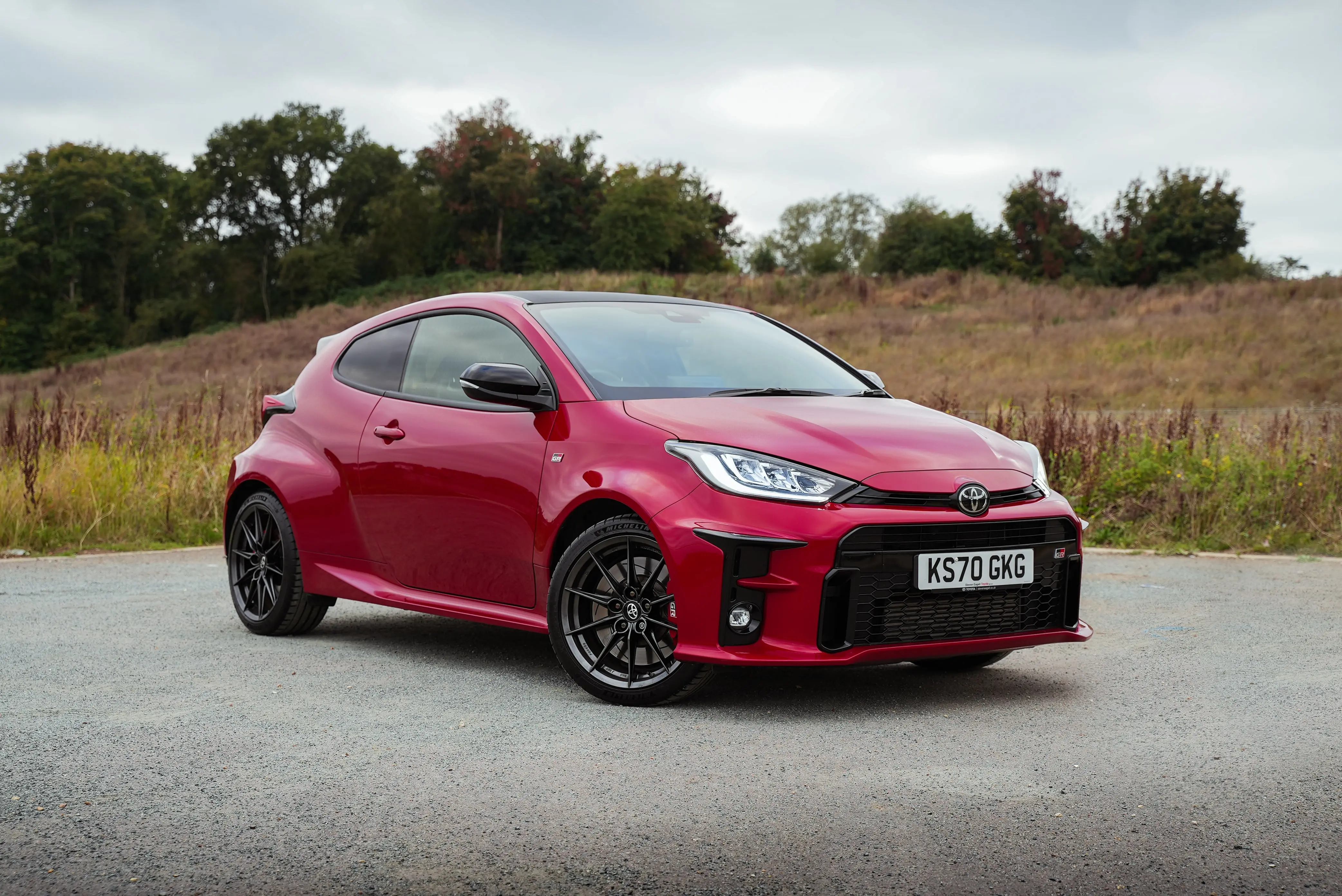
Something that we all do, myself included from time to time is add images using the attach files. This will add a thumbnail and not the full image to your post.
'Attach files' is better option if you are uploading a document such as a brochure that's a PDF file.
So using the same file this is what happens when you use the 'attach files' option.
Photo by James Ryan on Unsplash


